If you want to increase your business sales, you need to convert your offline business into an online business. However, in today’s era, the rate of online sales is increasing day by day. We will tell you how you can convert your offline business into an online business and this roadmap will help you succeed in the digital world step by step.
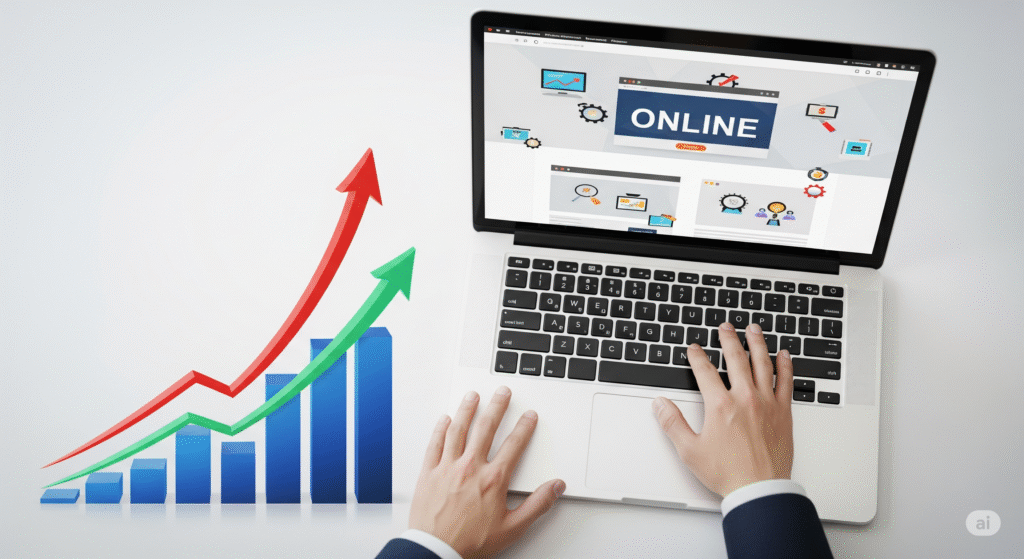
Understanding the Shift from Offline to Online
how to move your business online
Digitalizing your business is not a trend, it’s a strategy that will increase the number of customers your business has. More than 75% of consumers now do their shopping online.
Businesses are adapting to
Reach a larger audience
Offer 24/7 availability
Reduce overhead costs
Gather data-driven insights for better decision-making
Benefits of moving online
There are many benefits to doing business online:
Global reach: Expand beyond your local community.Customers can reach your business across the country in a matter of seconds.
Lower costs: Save on rent, utilities, and personal staff.
Scalability: Grow faster with tools that automate and optimize.
Customer Benefits: Provide seamless service across social platforms on mobile, web, and tablet.
Preparing Your Business for Online Transition
Assess your business readiness
Before you go online, ask
What products/services would work best online?
Do you have digital assets (logos, content, product images)?
Is your team open to digital transformation?
Set clear online goals
Define success. Do you want to:
Increase online sales?
Generate leads for offline services?
Build an audience?
Creating a Digital Strategy
Choosing the Right Business Mode Choosing the Right Business Model
E-commerce store
Subscription service
Online consulting
Digital product delivery
Choose one that aligns with your product, audience, and revenue goals.
Understanding your online audience
Use tools like Google Trends or Social Media Insights to study your potential online customers:
Who are they?
What problems are they trying to solve?
How do they search and shop online?
Creating a Business Website
Choose a domain name that:
Domain Name and Hosting
Matches your brand
Easy to spell and remember
Ends in a common extension like .com or .co
Choose a reliable hosting provider with 99.9% uptime and fast loading speeds.
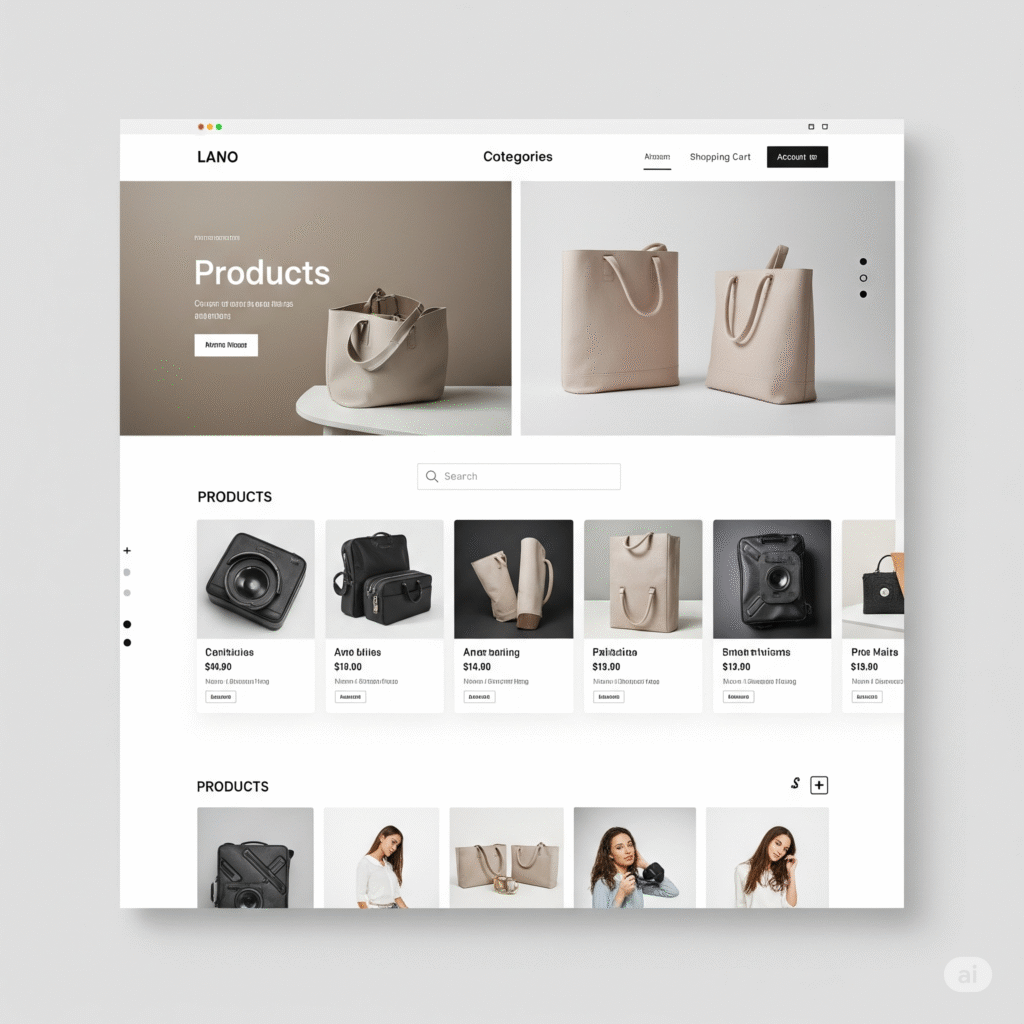
Design and User Experience
Your site should be:
Mobile-responsive
Easy to navigate
Consistently branded
First impressions count—88% of users will not return to a site after a bad experience.
Essential Website Pages
Include the following must-have pages:
Homepage
About Us
Contact
Products/Services
FAQs
Blog or Resources
Establishing Your Brand Online Digital Branding
Colors and Fonts
Voice and Messaging
Logo and Tagline
This builds trust and recognition.
Create a Strong Value Proposition
Clearly communicate:
What you offer?
Why it matters?
Why customers should choose you over competitors?
Setting Up an Online Sales Platform
Overview of E-Commerce Platforms
Popular platforms include:
WooCommerce: Ideal for WordPress users.
Shopify: Great for businesses of all sizes.
BigCommerce: Scalable and full-featured.
Choose based on budget, integration needs, and ease of use.Payment Gateways and Logistics.
Use secure payment options such as
Stripe
PayPal
Square
RozerPay
Affiliate with a good delivery service to get your products to your customers. Offer options like same-day or free shipping to stay competitive.
Digital Marketing for New Online Businesses
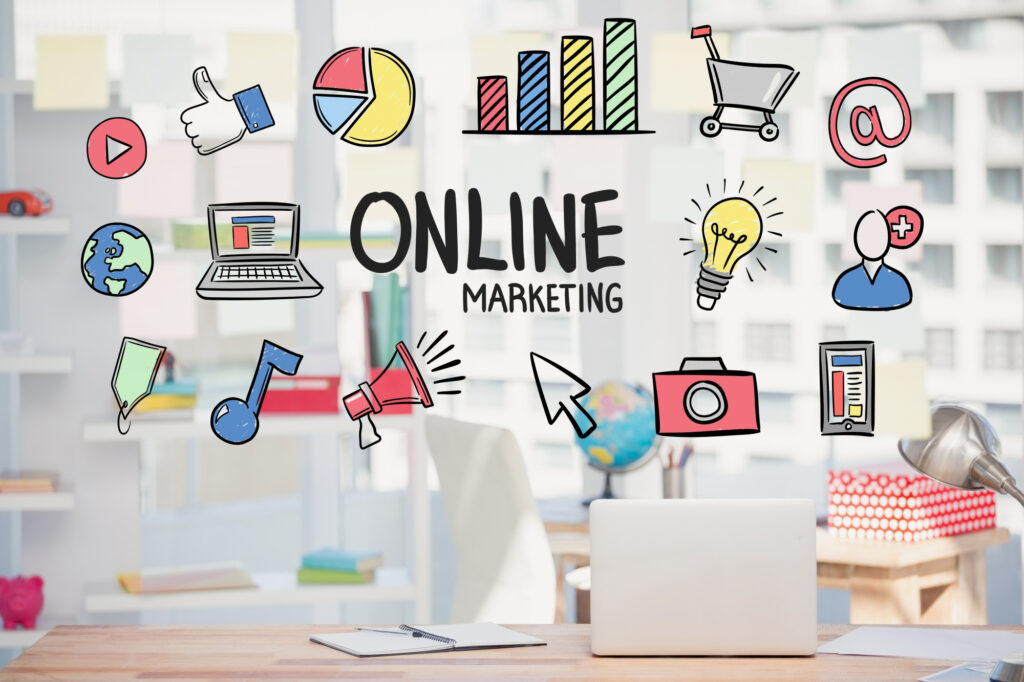
After moving your business online. Your website looks great, your products are ready to sell—but here’s the big question: How will your customers find you or your website? That requires digital marketing.
Think of digital marketing as your way of saying, “Hey! I’m here, and I have what you need!”—but at the right place, at the right time, and to the right people.
Search Engine Optimization Increases Your Visibility
SEO is about helping your business show up on Google when people search for the things you offer.
For example, if someone types in “organic dog treats near me” and you sell them online, good SEO helps your website show up at the top of those search results.
Here’s how to do it effectively
Use the right keywords in your title and product description.
Write helpful blog posts to answer common questions your customers ask.
Make sure your website loads quickly and works well on mobile.
It’s a long game—but when done right, it can bring you free traffic 24/7.
Social Media Marketing
Let’s face it: Your customers are already hanging out on social media. Whether it’s Facebook, Instagram, TikTok, or LinkedIn—your job is to show them where they’re scrolling.
Social media helps you:
Create your brand personality
Engage with your community
Promote products through visuals, videos, and stories
Run targeted ads to reach your target audience
Start by choosing one or two platforms that your audience uses the most and post consistently. You don’t need to go viral – just be authentic, helpful, and responsive.
Email Marketing Strategies
Believe it or not, email is still one of the most profitable marketing tools. Why? Because once someone gives you their email address, you have direct communication in their inbox without having to compete with social media algorithms.
Use email to:
Send a welcome message.
Share updates, promotions, or new product launches.
Educate your audience with tips and resources.
Build long-term relationships with your customers.
Listing Your Business on Online Directories
Google My Business
If you’re looking to move your offline business online, Google My Business (GMB) is one of the easiest and most powerful tools you can start using right now. And the best part? It’s completely free.
Think of Google My Business as your online storefront that appears when potential customers search for your business or services on Google Search or Google Maps. It’s the box on the side of your screen where you Google a local business with details like hours, location, reviews, and photos.
Create a free listing:
- Add business hours
- Upload photos
- Collect reviews
This boosts your local SEO significantly.
Sell Product Online Marketplaces
After moving your business online, one of the smartest shortcuts to getting customers quickly is to sell on established online marketplaces. Places like Amazon, Flipkart, or Meesho allow you to sell your products to millions of buyers.
Instead of waiting for people to find your new website, you can plug into platforms that already have traffic, trust, and systems in place to help you sell from day one.
Selling on Amazon, Flipkart, Meesho
Benefits:
- Built-in traffic
- Payment security
- International reach
Downsides:
- Platform fees
- Less brand control
Managing Online Customer Support
When you take your business online, you lose the face-to-face interaction with customers that usually helps build trust and answer questions. That’s why online customer support becomes the heartbeat of your digital business – it’s how you show customers that you care, even when you’re not at home.
Here are the main tools you can use:
Live Chat or Chatbots
These are those little chat bubbles that pop up on websites that say “How can I help you today?” Live chat lets you talk to customers in real time, while chatbots can answer general questions 24/7.
Use it to:
Quick product questions
Track orders
Guide confused customers around your website
Platforms like TDO, Zendesk, or Intercom make setup super easy.
Email Support
Email is still a very powerful tool. Some customers prefer to type out detailed questions or issues. Make sure your responses are:
Timely (ideally within 24 hours)
Polite and professional
Full of helpful information and clear next steps
Pro tip: Use a friendly tone. A simple “Hey Sarah, thanks for getting in touch!” goes a long way to sound human, not robotic.
Phone or video support (optional but valuable)
For service-based businesses or complex products, having a real person available—even for short scheduled calls—can quickly build trust.
Adapting Your Product or Service for Online Delivery
Moving your business online isn’t just about building a website or setting up an ecommerce store – it’s also about rethinking how you deliver what you sell to customers. Whether you’re selling a product or providing a service, you should ask: “How can I do this seamlessly online?”
Packaging Physical Products
Invest in attractive, eco-friendly packaging. Make returns easy and transparent.
Here’s what to focus on:
Protect first
Your packaging should do its main job: keep the product safe during shipping.
Use bubble wrap, foam, or sturdy boxes for fragile items.
For liquids or perishable items, make sure the containers are tightly sealed and insulated if necessary.
Don’t skimp on tape or filler—better safe than sorry.
Add branding
Even simple touches like custom stickers, branded tape, or a logo on the box can make a big impact.
Use your brand’s colors and fonts for a consistent look.
Include a thank you card or care instructions—something that feels personal.
Make it “unboxable”
Unboxing is now part of the experience. People even post it on social media!
Wrap the product in tissue paper.
Include a handwritten note or small bonus gift (like a sample or discount code).
Use eco-friendly or recyclable materials—customers appreciate sustainability.
Keep costs under control
You don’t need to spend a lot. Start small:
Use branded stickers instead of custom boxes.
Use creative but affordable fillers (like kraft paper instead of plastic).
Reuse materials when possible (in a clean and tidy way).
Creating Content That Drives Traffic
So you’ve launched your online business, your website is up and running, and your products or services are ready to sell. Great! But now comes the important question: How do you actually encourage people to visit your website?
The answer? Content. Really good content.
Content is what helps people find your website through Google, trust you, and stay there long enough to become paying customers.
What do we mean by “content”?
We’re talking about:
Blog posts and articles
Social media posts
Videos
Infographics
Podcasts
Downloadable guides, checklists, and templates
Each of these is a way to educate, entertain, or solve a problem for your audience. And when done right, it helps you rank on Google, get shares on social media, and bring people right to your digital doorstep.
Consistency > Perfection
You don’t need to post every day or write a novel. What’s more important is consistency. A blog post a week, a video every two weeks, or even a strong Instagram reel a week can massively accelerate your business to reach a lot of people over time.
Using Analytics to Improve Your Online Business
Once your online business is up and running, you may start to wonder:
“What’s really working… and what’s not?”
This is where analytics comes in. Think of analytics as a behind-the-scenes dashboard that shows you how people are interacting with your website and content—what they love, what they ignore, and what’s distracting them.
What is Analytics?
Simply put, Analytics is a way to track visitor behavior on your website or online store. Tools like Google Analytics, Hotjar, or Shopify’s dashboard give you insight into:
How many people visit your site each day
Where they come from (Google, social media, email, etc.)
Which pages they click on the most
How long they stay
Which products they’re looking at—or ignoring
When and where they’re abandoning (i.e., leaving without making a purchase)
It’s like looking over your customer’s shoulder (in a non-creepy way) to see how they shop and what’s stopping them.
Understand customer behavior
Optimize based on insights:
Which pages are viewed the most?
Where are users going?
Which products convert the best?
Optimize based on insights:
Which pages are viewed the most?
Where are users going?
Which products convert the best?
Legal and Compliance Considerations
Online Business License
Make sure you have:
Business Registration
Sales Tax Permit
Relevant Certifications
Data Privacy and GDPR
Comply with Privacy Rules
Provide a Clear Privacy Policy
Use Cookie Consent Banner
Build Trust and Credibility Online
Online Reviews and Testimonials
Ask for Reviews from Satisfied Customers:
Your Website
Secure Transactions and Privacy Policy
Add Trust Badges such as:
SSL Certificate
Payment Protection Icon
Transparent Policy
Common Mistakes to Avoid When Moving Online
Ignoring the user experience
Imagine walking into a store where the shelves are cluttered, nothing is labeled, and the checkout is hidden behind a screen. Frustrating, right?
Now imagine the same feeling on a website:
Slow to load
Difficult to navigate
Doesn’t work well on mobile
Buttons are pointless
Fix it: Use simple navigation, fast-loading pages, and a clean design. And always test it on mobile!
Neglecting your online audience
Your online customers can’t see your smile or hear your voice. If your digital communication is cold, robotic, or silent, they won’t trust your website – and they’ll move on.
Some business owners disappear after launching a website. No updates, no emails, no posts. Remember, to be successful online, you have to constantly update your website and yourself.
Fix it: Stay engaged! Post regularly on social media, respond to messages and reviews, and show your personality.
The “If I Build It, They Will Come” Mindset
Just launching your website doesn’t guarantee traffic, and it takes a lot of hard work. Many new digital entrepreneurs fall into the trap of thinking that people will find them like magic.
But without SEO, social media marketing, email campaigns, or online advertising, your website is like a billboard in the desert—beautiful, but invisible.
🛠 Fix it: Invest in a simple digital marketing plan. It doesn’t have to be complicated—just consistent.
FAQs about Moving from Offline to Online Business
1. How much does it cost to move my business online?
Costs vary. You can start with less than $500 using platforms like Shopify, WordPress, or Squarespace. In my opinion, WordPress is the cheapest way to start your online journey.
2. How long does it take to get online?
Depending on product readiness and technical setup, most businesses can be up and running in 2-6 weeks.
3. Can I run both offline and online at the same time?
Absolutely! Many successful businesses use a hybrid model.
4. Do I need to learn coding to move online?
No, modern platforms are user-friendly and don’t require any technical skills.
5. How can I get customers to my new online store?
Through SEO, social media, advertising, and email marketing.
6. What if my competitors are already online?
This is all the more reason to go digital. With the right strategy, you can stand out.
Conclusion: Embrace the Digital Future of Your Business
To be honest, moving your business online can seem like a big step. Maybe even a little scary. But here’s the truth: The future of business is digital, and taking these steps now could be the best thing you ever do for your growth, your customers, and your peace of mind.
This transition isn’t about throwing away the things that made your offline business special. In fact, it’s about bringing all that value — your customer service, your expertise, your unique product or service — into a place where more people can find, enjoy, and share it.
You’re not starting over—you’re evolving
Think of your online business as an extension, not a replacement. You’re building on what you’ve already worked hard to build and giving it the opportunity to grow:
More visibility
More flexibility
More opportunities to connect with your audience anytime, anywhere
Sell your handmade goods through an e-commerce store, offer virtual consultations, or have your work found when someone searches for you on Google—you’re laying the foundation for long-term success.
It’s okay to start small
You don’t need to figure everything out from day one. Every online business you admire started with just one product, one page, or one post.
The key is to start where you are:
Create your website
Be present on social media
Answer your customers’ questions
Share your story
Then take it one step further from there.
Summary
Moving your business online may seem like a big change—but it’s one of the smartest moves you can make today. Whether you’re looking to reach more customers, cut some costs, or simply stay competitive, the digital world opens up a wealth of opportunities.
This guide walks you through 12 practical steps to help you make the transition without any stress.
From there, the guide will cover how to create a user-friendly website, how to choose the right e-commerce platform, and how to make your brand shine online. We’ll also cover tools like Google My Business, which are a must-have if you want to appear in local searches and appear more trustworthy to new customers.
You’ll also get a rundown of smart, new customer-friendly marketing – like SEO, email newsletters, and social media posting – that will help people find your new online space. And we won’t just stop at finding customers. You’ll also learn how to support them online, answer questions, and provide a great experience without face-to-face contact.
Your customers are already online. Now it’s your turn to show them where they are—and grow your business in ways you never thought possible.